Give your AI a thumb. It sees and taps your iPhone.
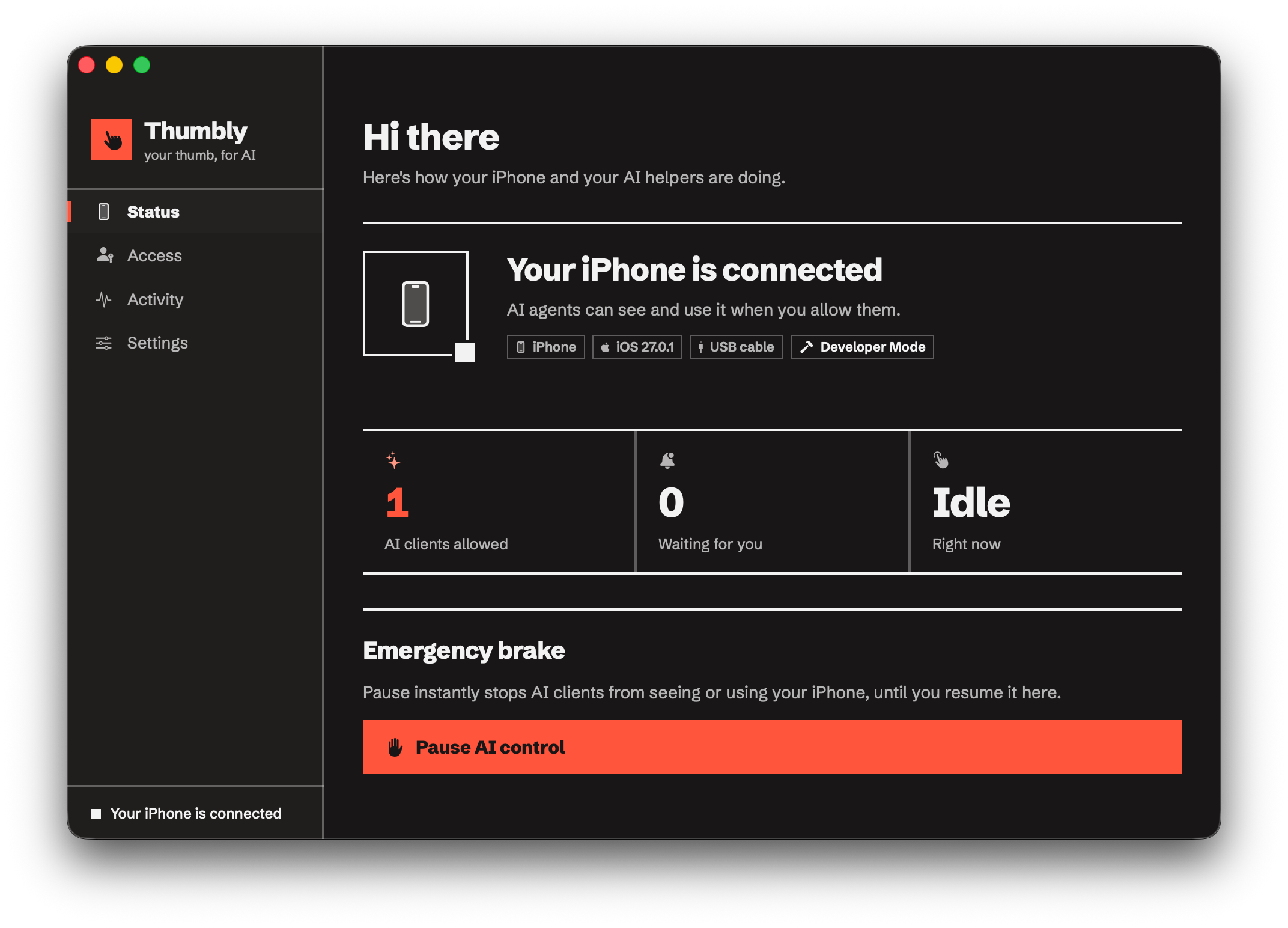
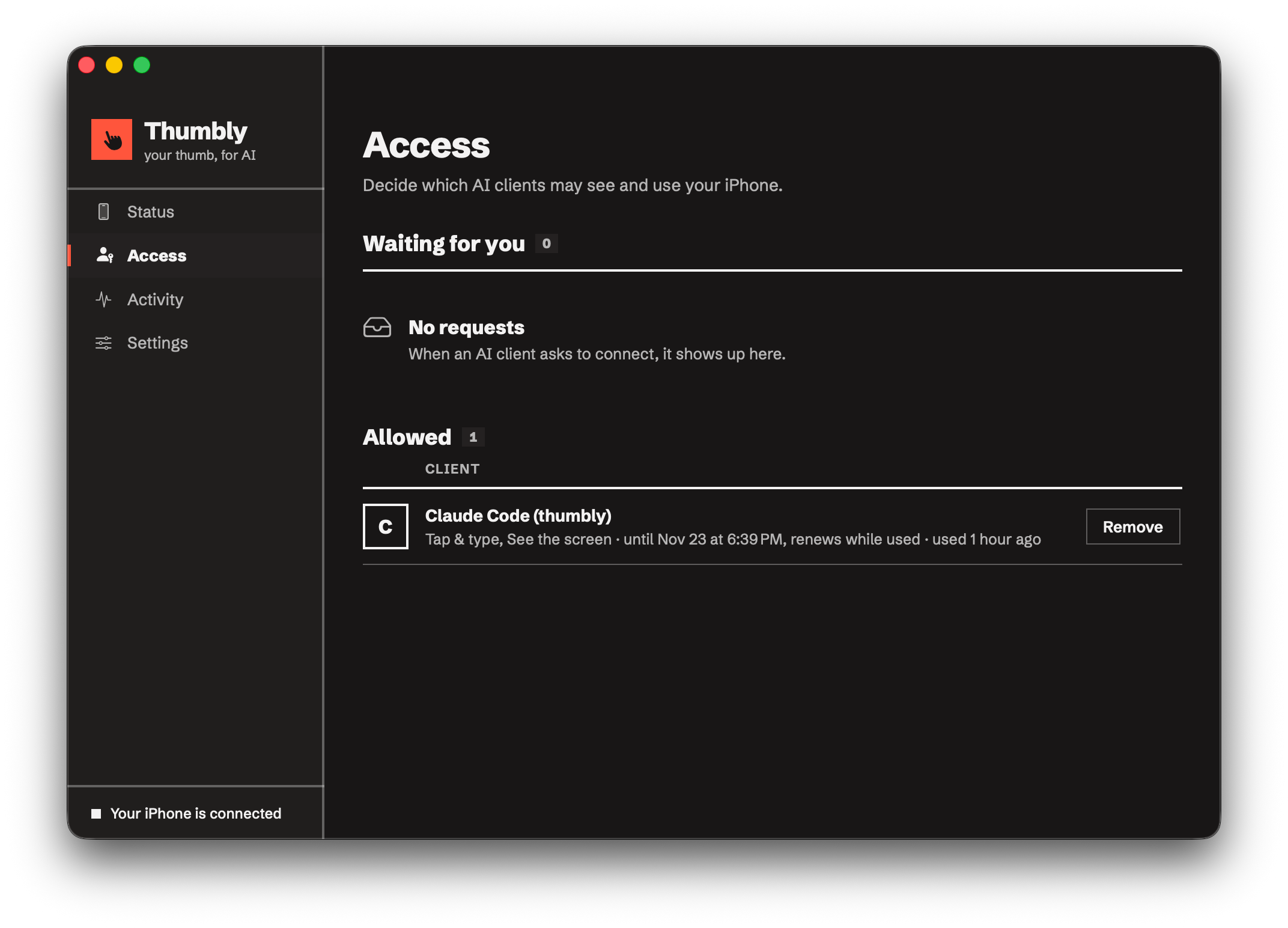
Thumbly is a Mac app that lets AI agents see and control your iPhone over MCP: screenshots, touch, typing and hardware buttons. You approve every client and can pause it in one click.
MCP for your iPhone.
It sees and taps your iPhone. You hold the brake.
A Mac app that gives MCP agents native screenshots, touch, a keyboard and the hardware buttons of a real iPhone. Every client waits for your approval.
Your AI needs a thumb.
Thumbly lets it see and tap your iPhone. You approve every client. Free to use.
An agent on a real iPhone, start to finish
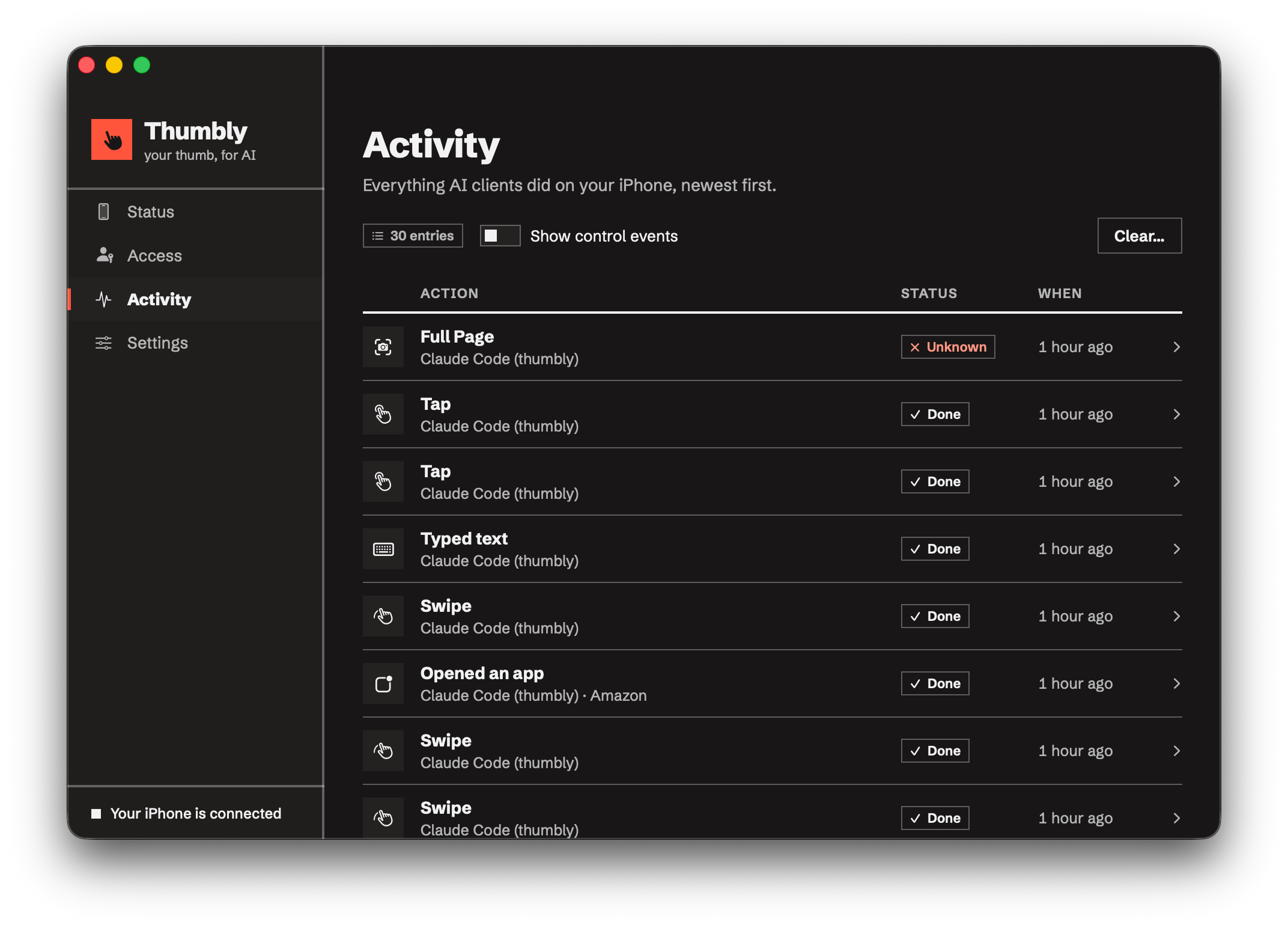
Claude Code takes a screenshot, finds the app, taps and types. Thumbly runs each step and logs it on your Mac.
Three steps to your first conversation
{{ s.title }}
{{ s.copy }}
{{ s.code }}
Everything a thumb does
{{ c.title }}
{{ c.copy }}
{{ c.code }}
You hold the brake
Any MCP client
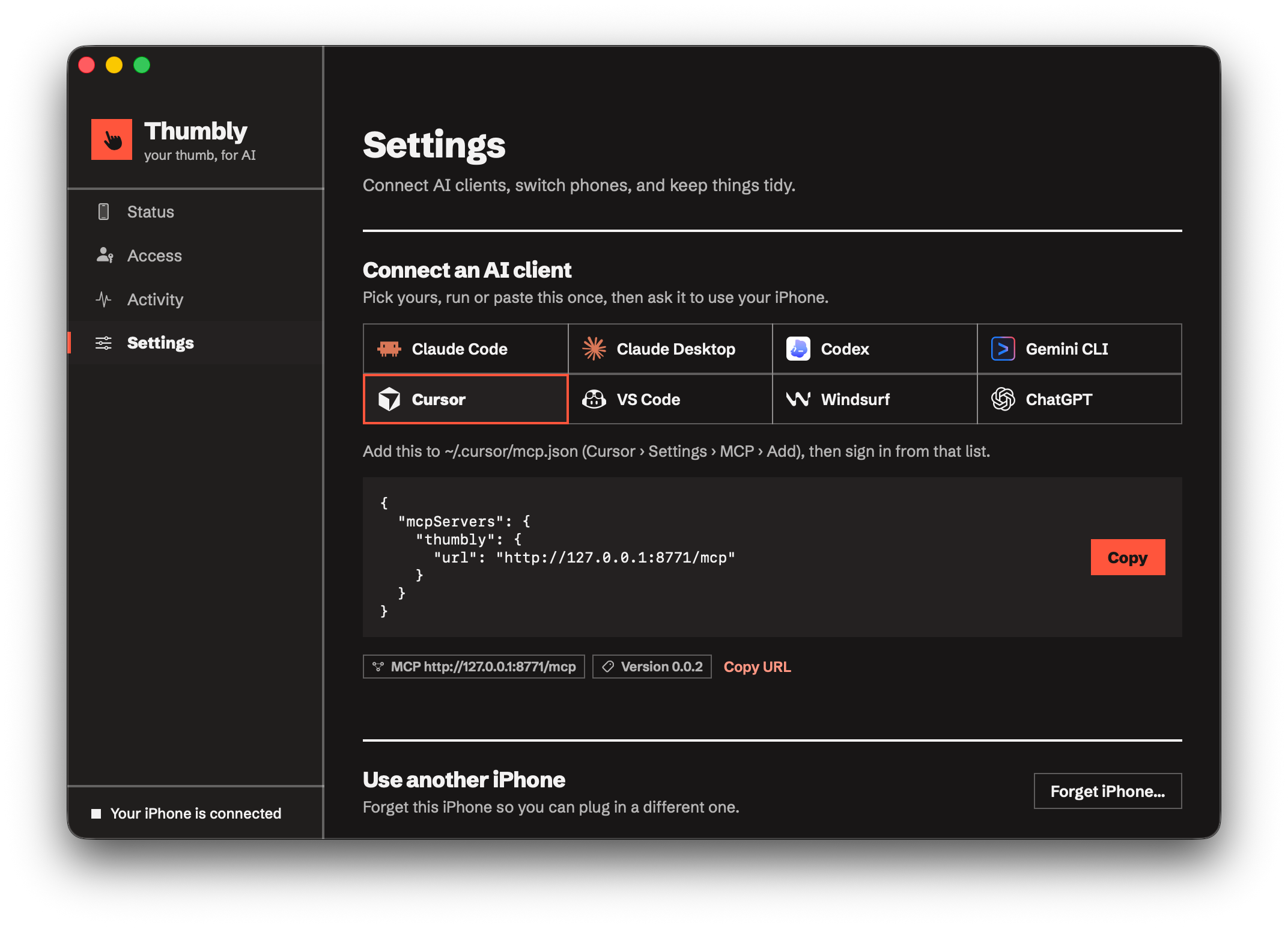
One local URL for every agent. Claude.ai and ChatGPT connect through remote access. Scripts use the Python SDK.
claude mcp add --transport http thumbly http://127.0.0.1:8771/mcp
Free to use. Runs on your Mac. Read every line.
No cloud relay and no recorded video. The iPhone talks to your Mac over USB or Wi-Fi, and agents talk to your Mac.
timurcatakli/thumblyOpen an issue on GitHub
Bugs, odd behaviour on your iPhone, a client that won't connect, or an idea. Every report helps.
{{ it.title }}
{{ it.copy }}
{{ it.code }}